Next-Generation Medical Intelligence & Academic Utility Hub
Bridging hospital-grade clinical precision with instant student workflows. Sovereign document processing, KDIGO-verified triage protocols, pharmacological reference, and persistent consultation archiving.
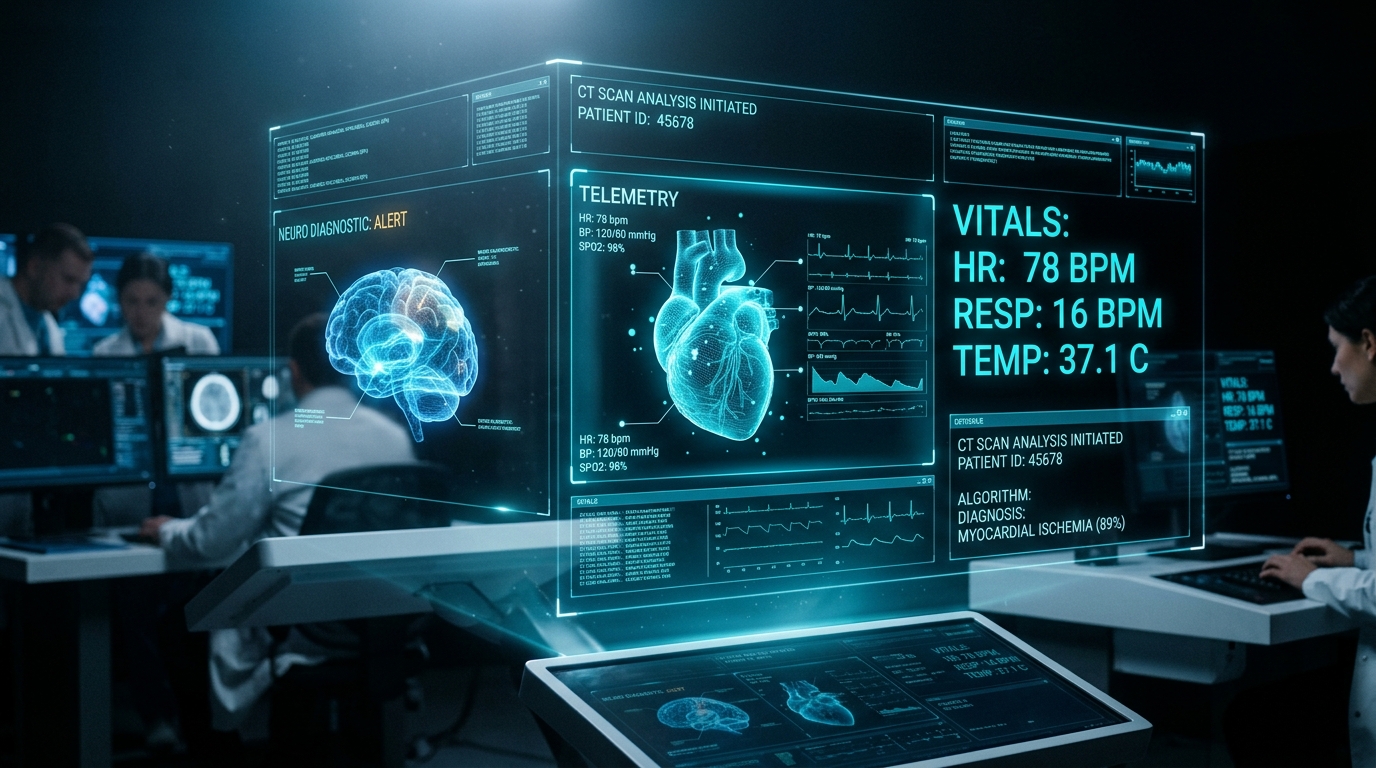
Engineered for Patient Safety & Absolute Diagnostic Privacy
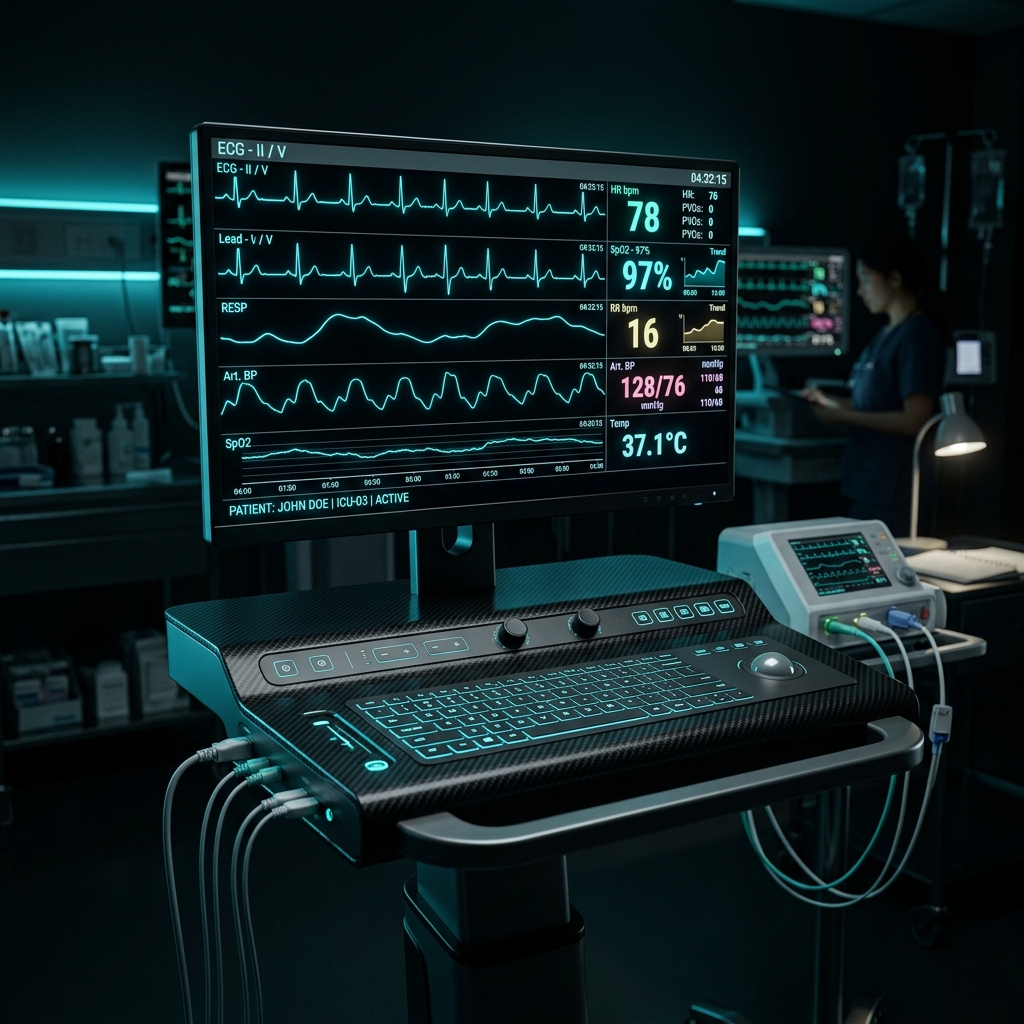
Patient Triage & Vitals Monitoring
Fast 2-question clarifying triage algorithms strictly bounded to non-prescription guidance and immediate red-flag specialist escalation for critical pathologies.
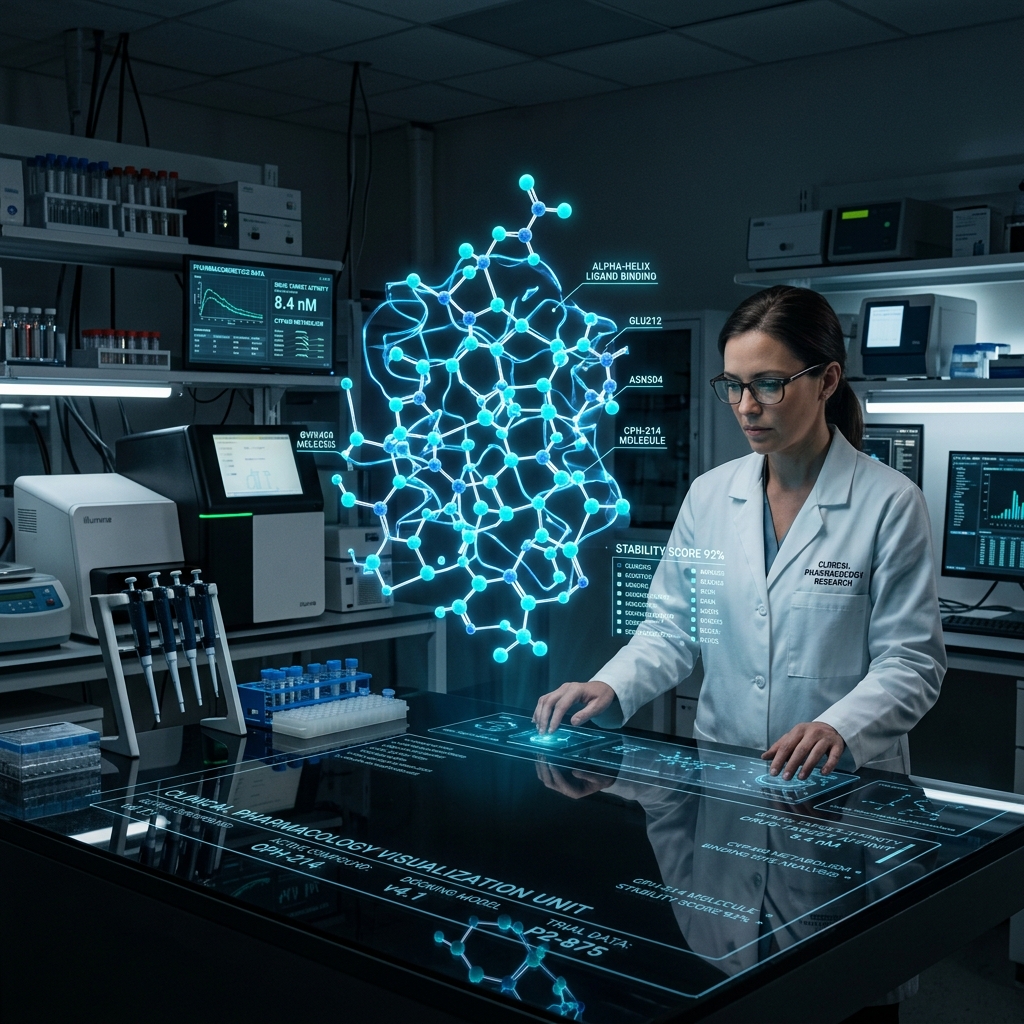
Pharmacotherapy & Renal Guardrails
Precision drug monographs with mathematical organ clearance caps, CYP450 interaction matrices, and contraindication screening for vulnerable populations.

Authoritative NIH & PubMed Reference
Direct citation injection from NIH MedlinePlus, NCBI PubMed, and Merriam-Webster Medical dictionaries into neural prompts to guarantee zero medical hallucination.
Medical Suite
Patient Triage (2 questions, OTC bounds, PMDC specialists), Physician Rx Assistant (zero hallucination monographs), and Medical Professor.
Student Aide Hub
Drag-and-drop PDF-to-Word, image converters, and compressors. Files wiped in 5 minutes via DoD 5220.22-M 3-pass shredding.
Trainer Portal
Authorized clinical contributor ingestion. Upload updated hospital guidelines and textbooks to expand local vector knowledge.
Games ArcadeNEON
Sovereign HTML5 web arcade. Play Neon Snake 360 and Cyber Bounce with 60FPS fluid canvas physics, zero cloud telemetry, and responsive touch controls.
Dr. Az World User Guide & Operations Manual
Complete instructions for medical workflows, student document tools, DoD 5220.22-M ephemeral privacy protocols, and air-gapped system governance.
Platform Sovereignty & Patient Data Protection
Dr. Az World is an air-gapped sovereign intelligence workstation engineered for clinical precision and absolute patient confidentiality without transmitting records to public clouds.
Zero-Cloud Guarantee: No queries, clinical symptoms, converted study materials, or physician credentials ever leave your physical device.
Medical Suite, Consultations Archiving & AI Safety Audit
The Medical Suite provides 3 specialized sovereign clinical modules:
- Patient Triage: Exactly 2 clarifying questions, strictly OTC & symptomatic relief, with automatic red-flag referral to verified PMDC specialists.
- Physician Rx Assistant: Deterministic monographs at Temperature 0.0 with renal clearance adjustments and CYP450 interactions.
- Pharmacology Professor: 4-tier structured pedagogical lectures.
- Past Consultations Drawer: Automatically saves all encounters with 1-click restore into active viewport and keyword search.
- AI Clinical Safety Audit: Continuously monitors safety metrics (99.4% contraindication screening) and enables 1-click prompt upgrades.
Student Aide Hub & Document Processing (/student)
The Student Aide Hub provides drag-and-drop document utilities powered by local Python libraries:
PDF to Word (.docx) Converter
Extracts text and table structures into native Microsoft Word format using pdf2docx.
Image Format Converter
Instantly transcode diagrams, microscope slides, or scans between PNG, JPEG, WEBP, and BMP formats.
JPEG Image Compressor
Interactive quality slider (15% to 90%) allows rapid compression of large images to fit assignment portal limits.
PDF Stream Compressor
Lossless internal stream deflation and garbage unreferencing powered by PyMuPDF for minimal file footprint.
5-Minute DoD 5220.22-M Shredder Security Protocol
Unlike public converters that archive your personal files on cloud disks, Dr. Az World features a sovereign DoD 5220.22-M compliant background scrubbing daemon:
Automatic TTL: Every file generated during document processing has a maximum lifetime of 300 seconds (5 minutes) before cryptographic destruction.
Trainer Portal & Guideline Ingestion (/trainer)
The Trainer Portal enables authorized clinical contributors to ingest hospital guidelines, pharmacology textbook chapters, and regional treatment algorithms:
- Navigate to Trainer Portal.
- Select the medical discipline (e.g., Cardiology, Endocrinology, Pulmonology, Pediatrics).
- Enter the authorized clinical contributor or committee name.
- Upload the PDF or text guideline. The engine extracts word and page telemetry using PyMuPDF.
- Click “Re-index Vector Store” to update local model context on the sovereign neural compute engine.
Clinician Accounts & Consultation Archiving
Dr. Az World features dedicated role-based accounts for healthcare practitioners, residents, and students:
- Consultation Persistence: All patient triage chats, drug monographs, and professor lectures are automatically saved to your private consultation record.
- Past Consultations Drawer: Click the drawer button in the Medical Suite to search historical encounters by keyword or filter by module with 1-click viewport reload.
- Clinical Safety Scorecard: The built-in audit engine continuously validates contraindication screening, non-prescription bounds, and organ clearance guidelines.
Authentic Medical Knowledge & RAG Verification
Dr. Az World features an integrated Clinical Knowledge & RAG updater connecting directly to authentic, authoritative medical libraries:
- NIH MedlinePlus: Monograph precautions, contraindications, and patient counseling.
- NCBI PubMed: Primary clinical literature, trials, and peer-reviewed staging criteria.
- KDIGO 2024: Renal staging (G1 to G5, A1 to A3) and organ clearance dosage bounds.
- ACC/AHA: Hypertension guidelines and first-line pharmacotherapeutic regimens.
- Merriam-Webster Medical: Standardized anatomical and clinical lexicon definitions.
Universal PWA Installation & FAQs
Universal Progressive Web App (PWA) Setup:
Dr. Az World features automated platform detection for 1-click installation across all device classes:
- Windows Desktop & Linux: Click the “Install App” button in the top navigation bar. In Chrome/Edge, this launches Dr. Az World as a dedicated standalone window with desktop shortcuts.
- Apple iOS (iPhone & iPad): Tap “Install App” to view the guided sheet: Tap Safari Share icon [⎋], scroll down to “Add to Home Screen” [⊞], and confirm “Add”.
- Android Devices: Tap “Install App” to trigger the native Android WebApp install dialog.
- macOS (Sonoma+): Click the install button in Chrome/Edge, or choose File → “Add to Dock...” in Safari.
Frequently Asked Questions:
Yes. Because all clinical neural models run locally on private hardware and all conversion algorithms execute in Python, the entire core platform remains 100% operational offline without any external cloud dependency.
Clinician accounts preserve personalized consultation encounters and clinical history. The Owner account governs system prompt overrides, audit scorecards, and scratch disk destruction.
Files are saved directly to your local computer's Downloads folder when you click “Download Result”. The intermediate copy in scratch is destroyed after 300 seconds.